Also, due to the nature of this DIY projects this are being offer "as is" if you want I can post a video of the unit working or chat with you via MSN and show you with my webcam.
Specs:
http://rapidshare.com/files/156633689/PM-025K.pdf.html
PINOUTS
- Apply 12v DC on JP1 Pin 11
- Attach Ground to JP1 Pin 9
- On the pads near JP1, connect a 5k Ohm potentiometer between the "5v" pad and the "Gnd" Pad. Connect the center (wiper) pin of the potentiometer to the "Brt" pad.
- Feed the video signal in on JP1 Pin 5
Here's the LCD Controller Board...
Pin Name... I/O Pin Description...................... Remark
--- ------- --- ------------------------------------- ----------------------------------
1.. /Hsync. .O. Horizontal Sync...................... Output for specific Application.
2.. /Vsync. .O. Vertical Sync........................ Output for specific Application.
3.. NPC.... I/O NTSC/PAL mode selection.............. Note 1
4.. SW..... .I. Composite/Analog RGB Signal Selection Note 2
5.. CVS.... .I. Composite Video Signal Input.........
6.. Bin.... .I. Separated Blue Video Signal Input....
7.. Rin.... .I. Separated Red Video Signal Input.....
8.. Gin.... .I. Separated Green Video Signal Input...
9.. GND.... .-. Ground...............................
10. GNDS... .-. Ground...............................
11. Vin.... .I. 12 Voltage DC Input..................
12. GNDS... .-. Ground...............................
13. COL.... .I. Color terminal adjustment............
14. LR..... .I. Left/Right scan selection............ Note 3
15. UD..... .I. Up/Down scan selection............... Note 4
Note 1: Default is auto detect for NTSC or PAL system.(Controlled by internal UPS015) High for NTSC mode and Low for PAL mode.
Note 2: Default is Composite Signal (Low); High is for seperate Analog RGB signals.
Note 3: Default is reversed scanning (High) and Low is for normal scanning (L —›R).
Note 4: Default is reversed scanning (High) and Low is for normal scanning (U —›D).
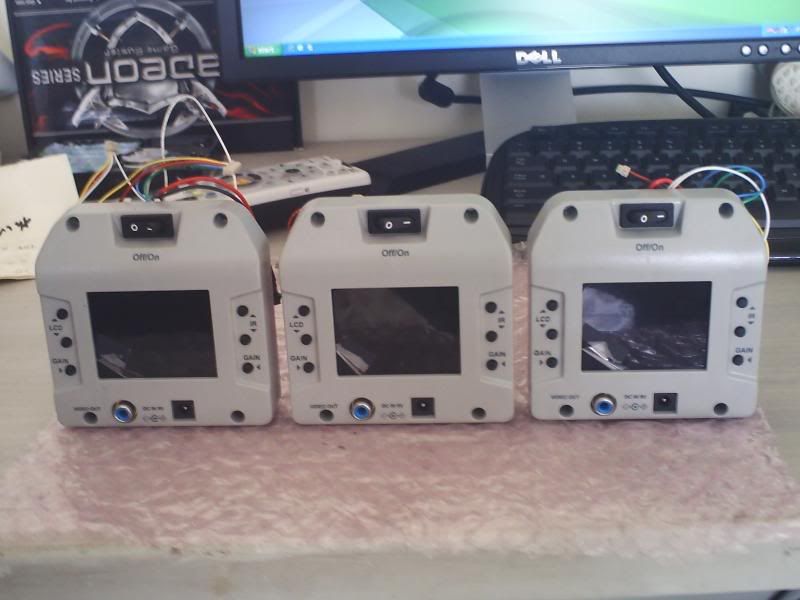
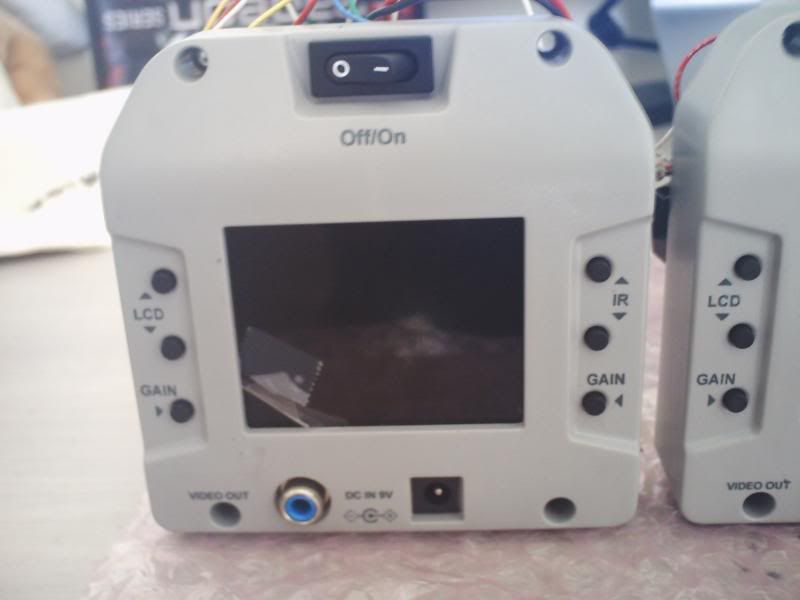
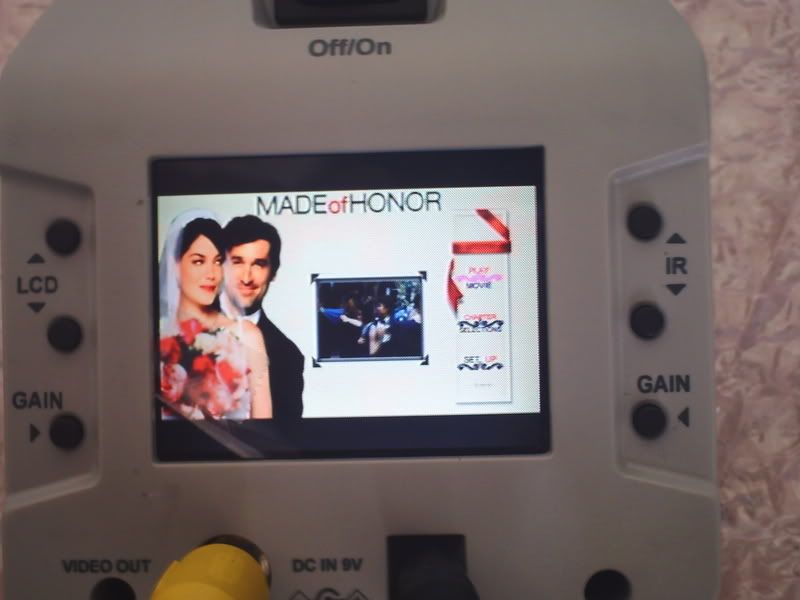
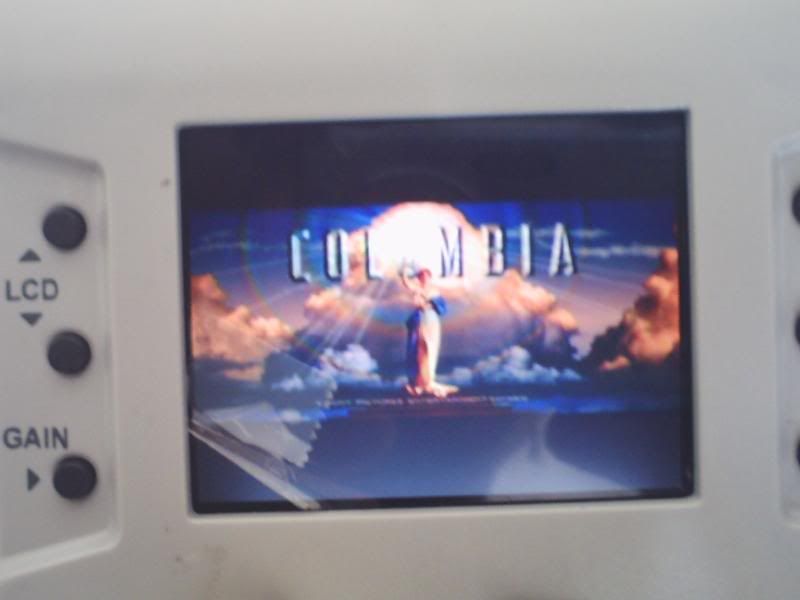
Price is $20 each plus actual shipping...Contact me at thanatos106@gmail.com, I acept paypal and only ship to the address link to that account...No low ballers so please don't ask for a rebate.
Thanks.