I decided to do this hack, except using the newer Controller S instead of the original behemoth.
I also looked at this similar hack for the NES controller layout.
Here's some pics of it (click on them for the clear versions)
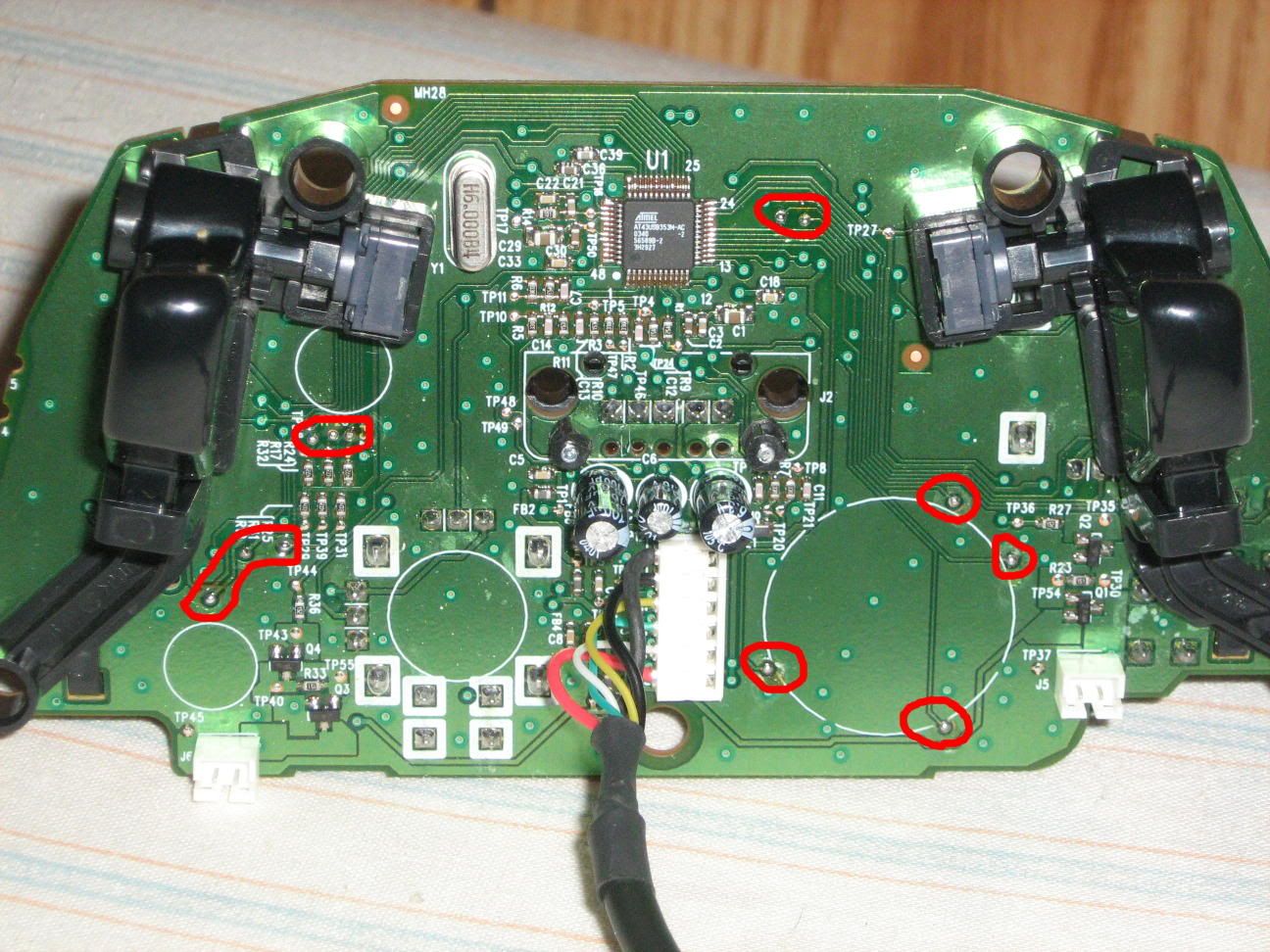
Back of the PCB after getting rid of the 2nd memcard slot. Solder points are circled in red.
The buttons from left to right.
Bottom left group - White, A, Black
Group above that - B, Y, X
Top group (slightly to the right) - Back, Start
The D-pad is Up, Down, Left, Right with the Left and Right being switched (since it is the back)
I forgot to circle the ground or +5V points, but they're easy enough to find.
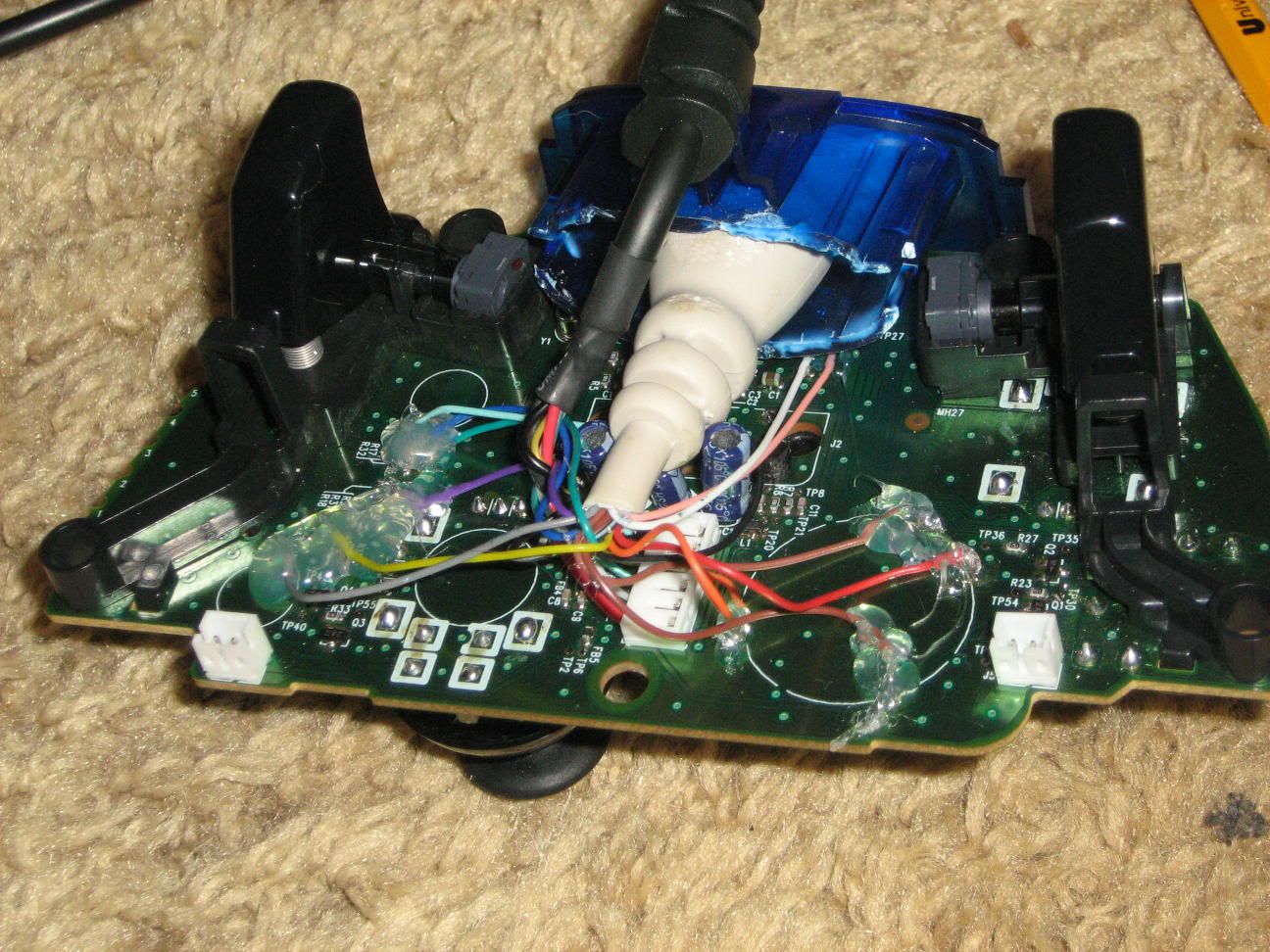
This is everything soldered. I used hot glue to ensure that none of the points break.
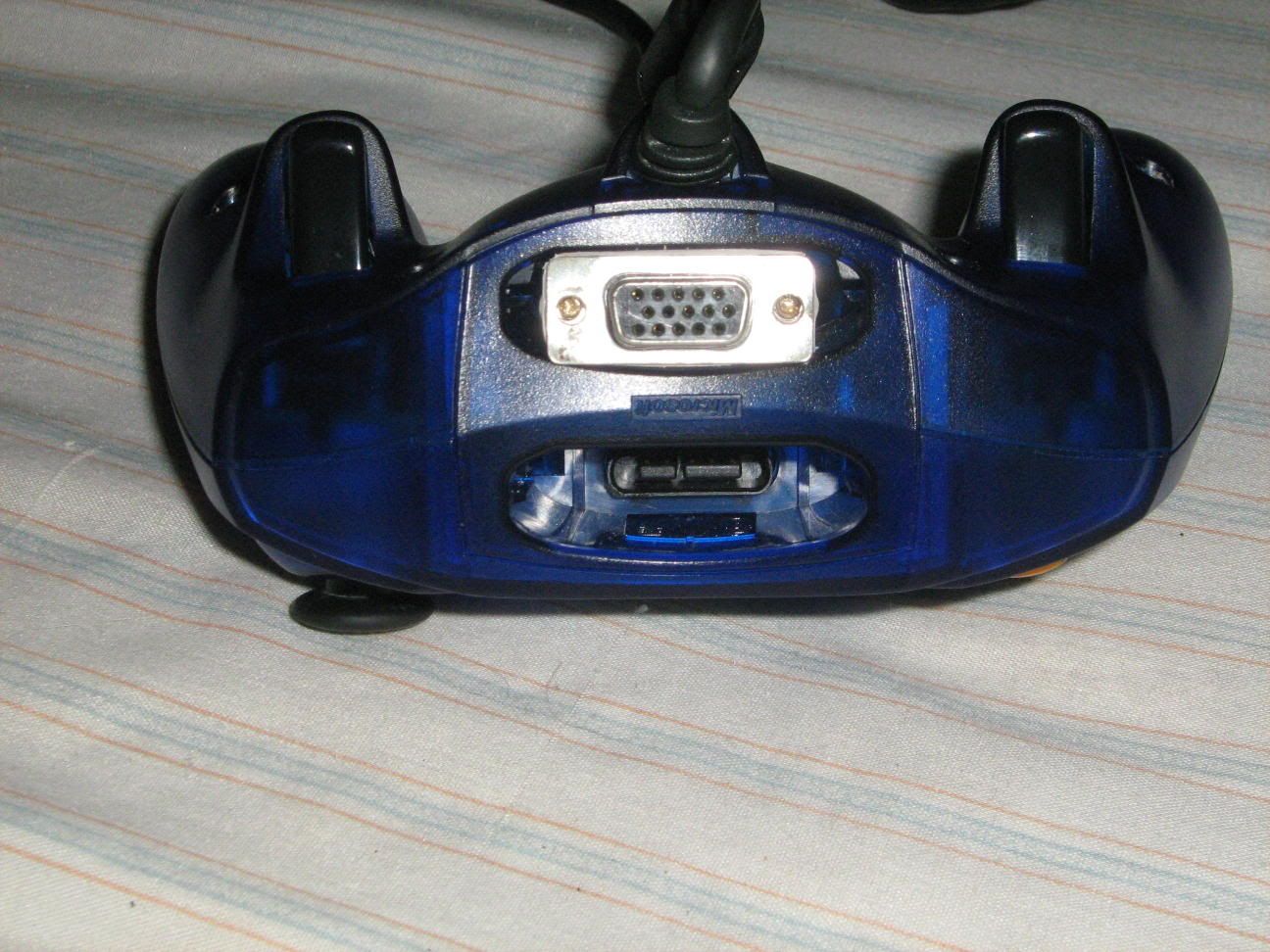
Top view of the completed controller, showing the VGA port.
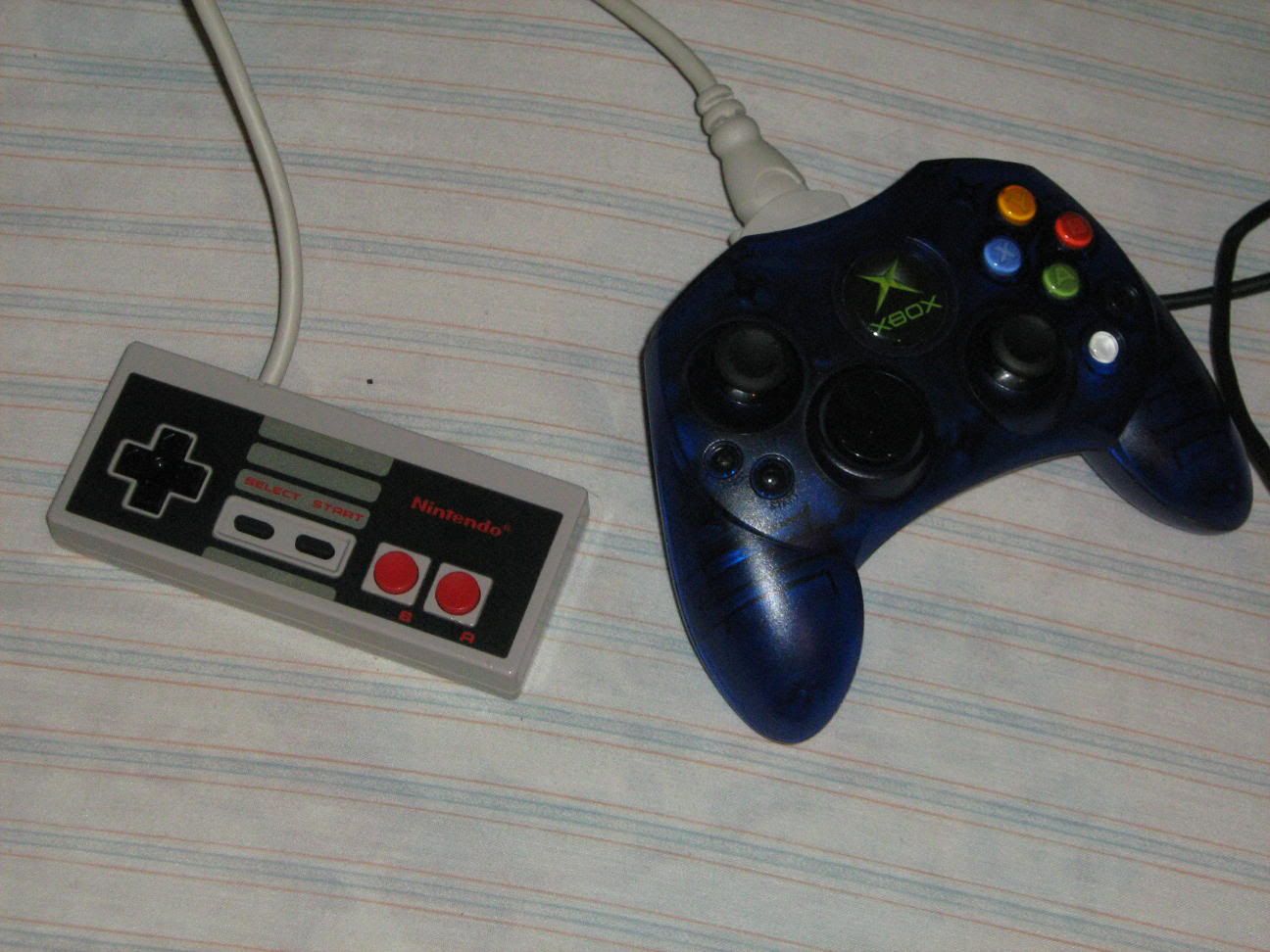
Modded NES controller plugged into the Xbox one.
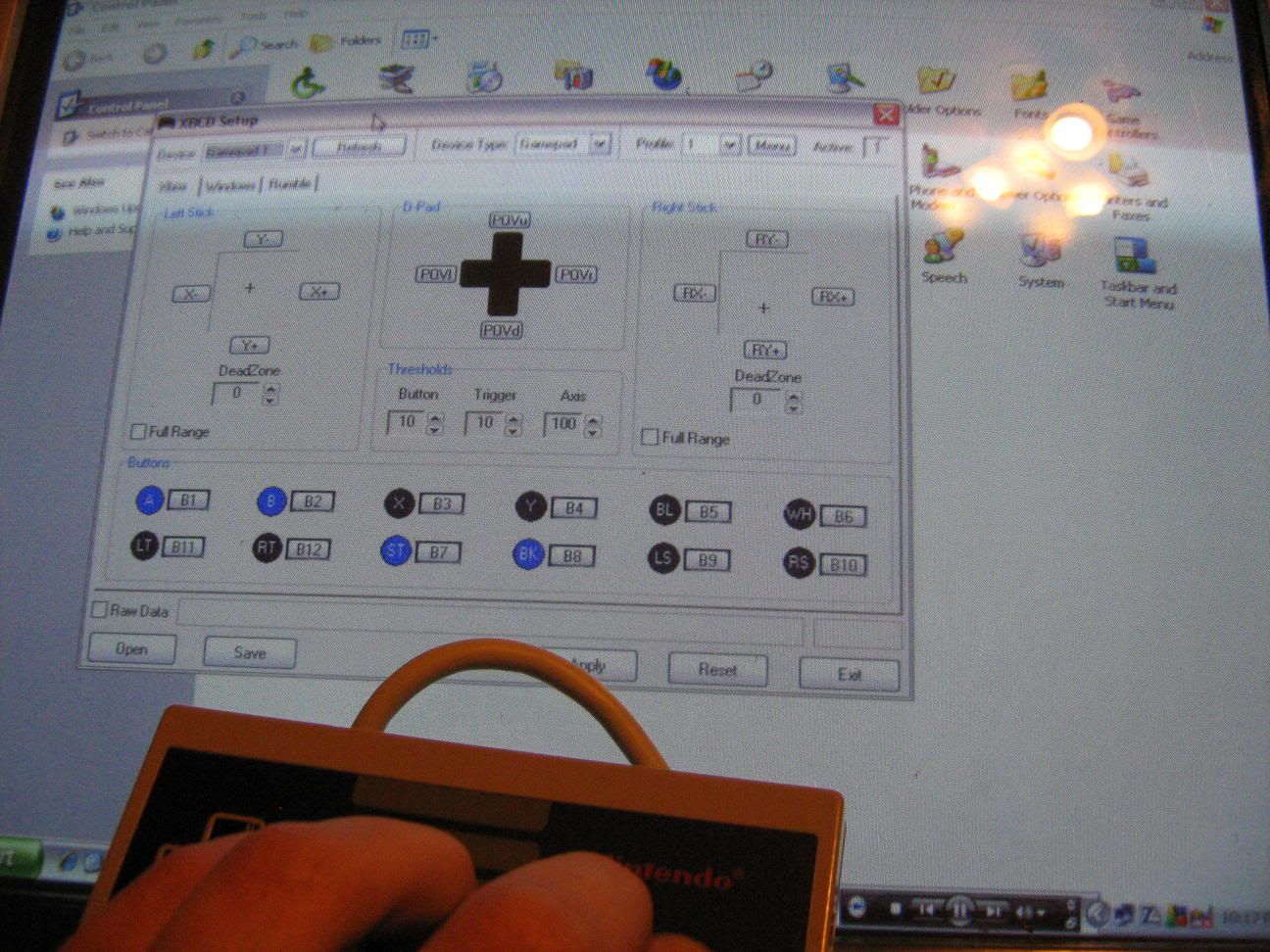
Me pushing A, B, Start, and Select (Back) on the NES controller while running XBCD in Win XP. Just to show it does work.
It works great, I played some Punch-Out for about 45 mins. Feels just like a real NES

But, a controller was harmed in the process. For some reason the first controller I worked on continuously has the A button depressed, so I redid this to another one. I'm sure I'll find some use for it...or it's parts.
As in the original hack, I had some trouble getting the female end of the plug to fit into the memcard slot. I ended up grinding it little by little until I could force it very tightly in place.